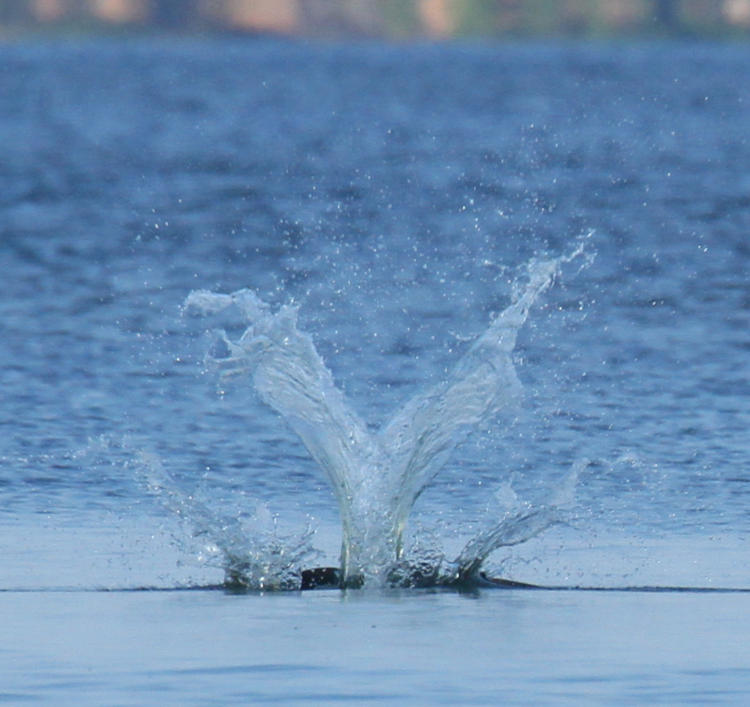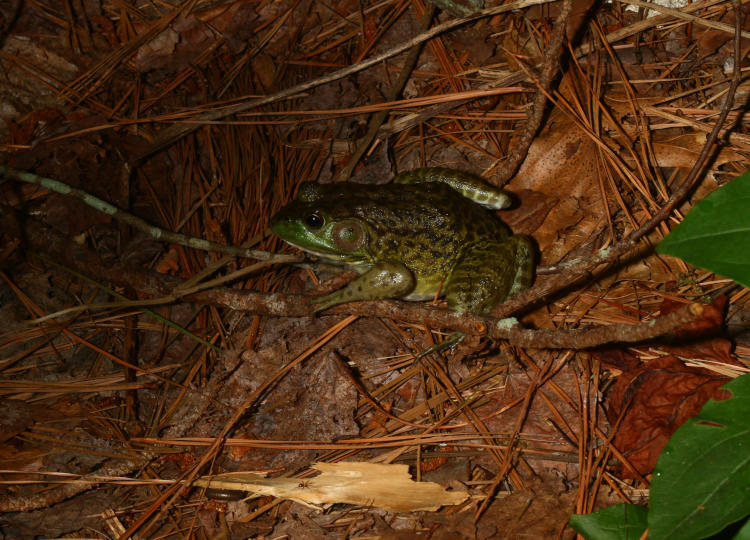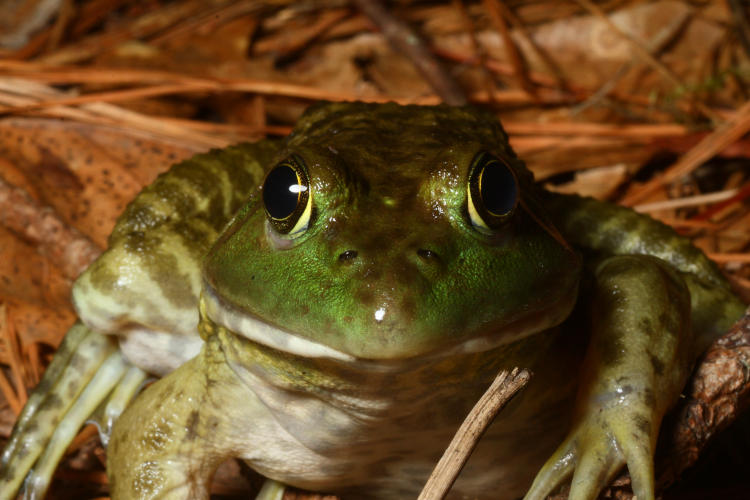
Today is the summer solstice, the longest period of daylight in the calendar year, as well as World Humanist Day – but I’m not posting about either of these (or much of anything, really.) It’s been raining for two days straight, which we’ve needed, which is a horribly adult thing to say – pathetic all around. But this means I’ve done very little photography, only some of that for a halfway-decent reason. Mostly though, I’ve just been neglecting the blogohedron. Some semi-recent photos will be coming up shortly, so for now I’m featuring two images from yesterday, between the wets, and recognizing the holidays in the lamest way possible.
This is naturally one of the pansies (Viola x Wittrockiana) that The Girlfriend put into the front planters, which are now also hosting the regular balloon flowers and the decorative sweet potato vines, as long as I can keep the damn deer from them. I wandered around shooting a few frames while things were damp, but on unloading realized that a few of them I could do better, though this wasn’t one of those chosen to be revisited. Still, while out there a bit later on, I decided to fire off another frame in case the conditions seemed better, only this time there was an addition.
I checked, and there was not the faintest sign of the crab spider (genus Thomisidae) in the earlier frames, but it hadn’t been that long since the rain had stopped, so it was probably still well under cover. There is a difference of three hours between these images, but you can see that only some of the raindrops have disappeared – it was that kind of day yesterday, still is today, and will remain so for a while yet.
Meanwhile, a friend has slammed down a challenge: two images that indicate, “True,” and, “False,” without emphasis on the primary colors of red, green, or blue, without being too creepy, or vague, or really, overly specific. This has had me picking through the stock folders for a while now. But I like the challenge – the question remains as to whether I’m up to it or not.
This one’s precise – not of where I was standing, because the angle isn’t perfectly recalled, but certainly of the tree itself, which is still there despite this image being taken in 2003, I believe. I was cruising around at night on my bicycle looking for good subjects for B&W film and realized that I could frame the moon within the limbs of this tree. I was working with an Olympus OM-10, partially because it was light and easy to carry on the bike, partially because I could leave it loaded with Ilford Delta 400 while shooting weddings with my workhorse Canon, but this meant only guessing at the exposure and not even knowing how close I was until I unrolled the negatives from the developing reels. Yes, I was doing my own developing too (which I really need to get back into again,) and this was a little problematic in Florida during the summer months; the ideal chemical temperature for film developing is 20°C, but since the water lines weren’t buried very deep the water would come out of the tap at 25°C. I could either try to maintain an ice-cube bath at the proper temperature, pretty tricky for the half-hour that it takes to develop a roll of negatives, or adjust the development times, knowing that contrast would be altered.
I don’t recall which I did for this, but it came out just fine regardless, and the guess at exposure time was perfect. The sidelighting on the tree and mosses, clearly not from the moon, was actually from the floodlights of the old school that owned the property, which would have produced an ugly amber color cast had it been on color film – here it just adds texture.
While I’m not fond of picking favorites or even qualifying photos in this manner, I think this is probably the best true B&W image that I’ve shot – it’s not a huge selection, after all. But this also throws down the gauntlet – gotta dig out the film cameras again…
On an outing the other day, I captured very little of interest, but I can throw down a couple of frames anyway. I initially went back down to Jordan Lake in an attempt to repeat my luck of a couple weeks ago, but that failed miserably. So while poking around, I snagged a few images of vague appeal. Boy, just selling the excitement, aren’t I?
This was not at all the way to go about it, but I was too lazy to change lenses, plus the fact that in the time it would have taken, the butterfly might have left, plus the fact that I still wanted to be ready for osprey and eagles, so this was shot with the Tamron 150-600 lens – I can’t complain. This is a painted lady butterfly (Vanessa cardui) feeding from the recognizable blossoms of a buttonbush (Cephalanthus occidentalis.) I shouldn’t tell you this, but I trust you: the synchronicity of the butterfly’s wings and the leaves of the bush wasn’t actually noticed at the time, though I cropped the frame to emphasize this here. But how well does the long lens perform as a macro? Let’s go in closer on that same frame and see.
That’s not too shabby, that is – or isn’t; what’s the proper word there? Either way, I’m not going to make a habit of this, mostly because I have two good-performing macro lenses already that aren’t one quarter as unwieldy as the long Tamron, but it’s nice to know that its close-focus ability is more than acceptable.
Eventually I left there to check on two different osprey nests to see if there was evidence of the young having hatched, but on the way out I heard some nearby ‘muttering’ that I recognized, and immediately spotted this guy taking a perch in a narrow opening in the branches.
I’m hesitant to switch away from the long lens too quickly, because that habit has stood me well before, and again here. This red-bellied woodpecker (Melanerpes carolinus) might well have been a juvenile, and I say that partially because its proportions didn’t seem quite like an adult, and partially because it was cackling softly with another in the immediate vicinity, who I caught only the barest glimpse of; I’ve had experience multiple times of woodpecker siblings hanging around together and gossiping softly. This one, at least, shows its namesake pinkish belly, one of the least visible traits for a species to be named after, but not as bad as double-crested cormorants.
Neither osprey nest showed signs that the young had hatched, though both appeared to be occupied, so I’m still biding my time. But while walking back from the second, I was passing a small field of wildflowers and shot another few frames of opportunity.
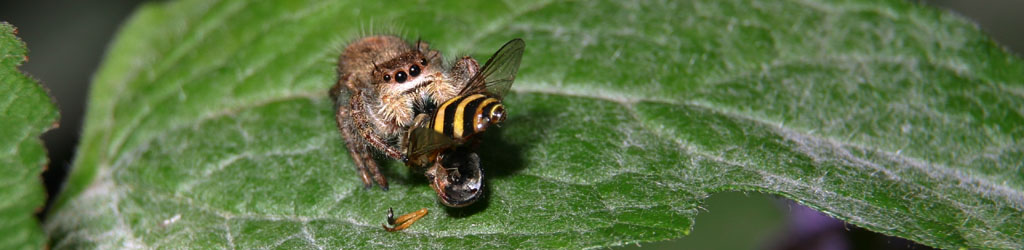
I did a brief search for both of these species, but there are too many variations of each, and too few details to pin anything down, within my sources at least. The flowers, almost certainly of the aster family, were no more than 15mm across, making the bug quite small in itself, but I can at least identify it as a True Bug (Hemiptera) because of the wings and proboscis. This was taken with one of those dedicated macro lenses, the Mamiya 80mm, but in difficult conditions, since the flowers were quite tall, over a meter, and thus swayed in the slightest breeze. Between that, and my attempts to hold still at the precise distance of sharp focus, it was largely hit-or-miss, trying to fire off frames as everything came together. Most of what I shot will be discarded, but this one is close enough, as a tighter crop shows:
Those are some fine markings there, continuing even onto the legs, though not helping it blend in with the aster at all. But you can imagine trying to succinctly (yet effectively) describe it in a search engine to determine the species; not worth any more time than I’ve already spent. I feel quite comfortable that your lack of certainty regarding the species will not be debilitating.
Scared up just a couple with the last big sort, and had a little bit of a theme going. What luck!
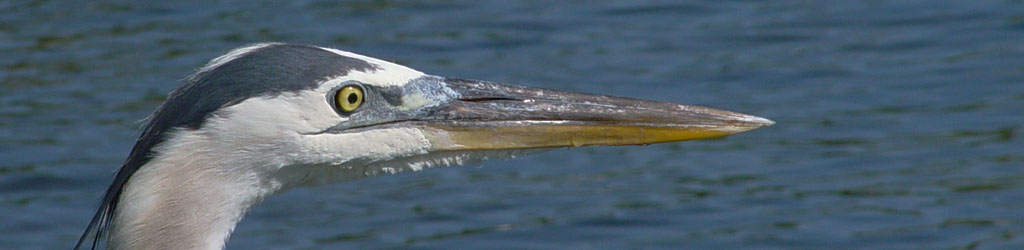
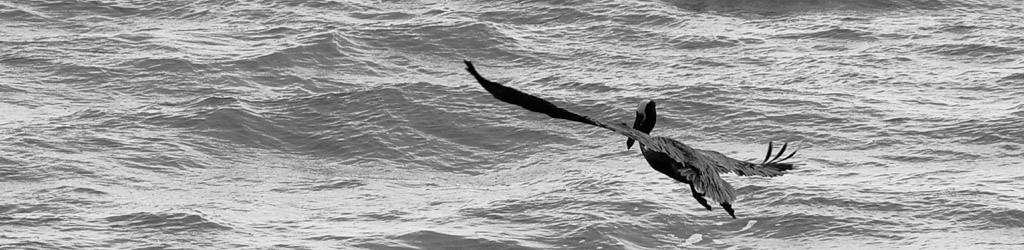
While down at the Neuse River, three great blue herons (Ardea herodias herodias) were visible simultaneously at three different compass points, though most images of them were lackluster. This one, however, gained some action points when doing a quick shake to settle its feathers. No, it’s not missing a wing or anything – that’s the natural coloration around the wing joints.
For the end of month abstract last month, I featured two mallards (Anas platyrhynchos) captured while panning, and in going back through the images I realized that I did have a frame where all three of them were closer together, though I still liked the panning blur from the other one better.
Meanwhile, I mentioned in another post that, while I had numerous overhead passes from osprey (Pandion haliaetus,) somehow none of the frames that I captured while they were so positioned were actually sharp, so I’d passed on this one at the time, but then pulled it back out again because the dead-on stare from on high just had a small element of humor to it.
Osprey, like most if not all birds, cannot change expression, but this viewing angle makes the supra-orbital ridge, the ‘brow line’ above the eyes, about vanish and so we actually get an impression of surprise. Probably just an impression, because I’d been in plain sight for at least 20 minutes at this point so the osprey was simply glancing down at the sound of the shutter, perhaps getting its own curious pose from me as I craned backwards with the heavy lens (counterbalanced by the gut, though, so I was in no danger of going over backwards.)
And one not-so-blurred, damn sharp in fact, but it has a curious trait that I wanted to point out.
Nothing seeming too remarkable, until you look close at the eyes and realize that you can make out the pupils even from this awkward vantage. And again, from 15-25 meters away as it cruised above the water looking for fish. But the focus is so short that the talons are blurred, if that makes you happier.
I’ve been back twice now, by the way, with virtually no activity either time, and evidence that the closest nest, at least, had not hatched yet. Just happened to get lucky with an extremely busy day, I guess.
This is just an initial experiment, which admittedly came up promising, but I’m aiming for better.
The beginnings of the idea have been kicking around in my head for ages, but then this variation came up just a few days ago, and I finally got the chance to pursue it. There’s been some faint color tweaking done to this frame, but otherwise it’s unaltered.
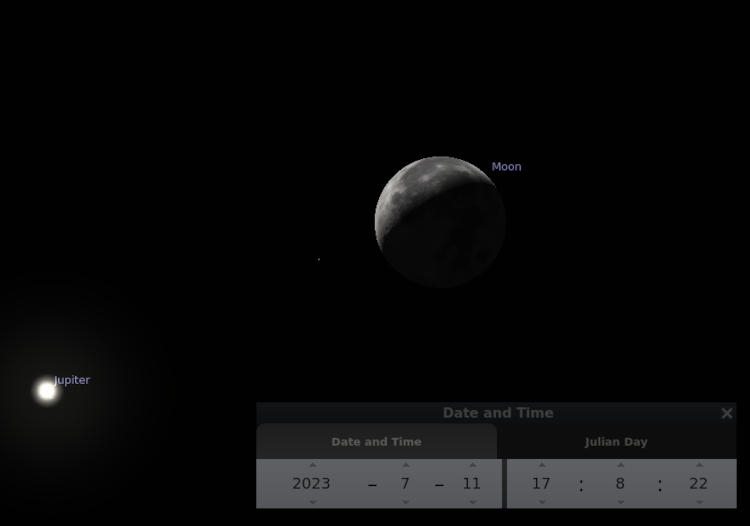
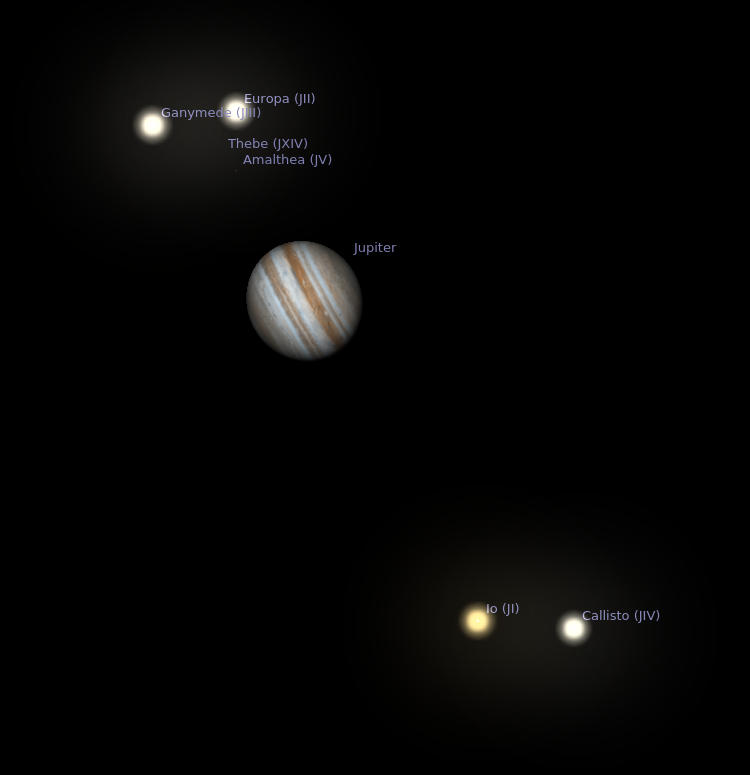
The most realistic-looking aspect, isn’t. The moon is actually one of those decorative self-illuminated orbs, about 18cm across, that I’ve had hanging over my desk at Walkabout Studios for a few years – they’re pretty cool, really. Its companion is – no, go ahead, guess. I’ll wait.
.
.
… Dum de dum de dum…
.
.
Give up? Or did you guess that it’s a superball? Which is correct – it’s semi-transparent, which made it perfect for this, and illuminated by a flashlight held just outside the frame. I did some others, with the light source actually underneath the superball and both bodies closer, but this one wins the post position. Both objects are perched atop light stands on our back deck, with me shooting straight down on them from the upper landing so the lightstands are hidden behind them from this perspective, but it was also done at night with no other lighting so they sat in darkness anyway. The superball is actually significantly closer to the camera, shooting at f22 for a high depth-of-field, but I’m going to try others with them closer to the same distance, which will make the ‘gas giant’ seem much further away.
I used the interior illumination of the moon ornament for these, but it’s a curious color register from the LEDs used and certain wavelengths of color seem absent, which makes tweaking the Curves kinda tricky. I could always try exterior illumination, possibly even doing moon phases, but it would have to be bright light and anyway wouldn’t work with this particular ornament, which is designed to look proper with its interior lighting and so the surface features aren’t true to the moon: to make the darker mares, the material has to be thicker and thus they aren’t smoother and flatter like the real satellite. However, I could probably print an accurate one…
We’ll see what pops up here later on. Aren’t you excited?
Not long after moving to North Carolina in 1990, I was following some trails, really, quite some distance and found that they ended up at University Lake in Carrboro. I had my (not so) trusty Wittnauer Challenger in hand, a rangefinder with a fixed and so-so 50mm lens, looking for scenic opportunities, when I heard the rowers approaching. I found a decent gap in the trees and timed it as they passed through the center and the glitter trail, producing one of my earliest fartsy prints. Which, truth be told, I’m still fond of despite the thousands of photos taken since, and the commensurate (more or less, anyway) increase in skills. Many modern lenses would have taken the sunlight shining almost directly into the glass and rendered countless ghosts and flares, but this one just made it seem appropriate.
Know what’s scary? The young couple in the boat could have been married, divorced, remarried, and have not only kids, but grandkids since this photo was taken – who knows?
By that, we mean, “Post-processing,” which some may argue doesn’t really apply as composition, but it all depends on how you use it, doesn’t it?
I’ll lead off with saying that getting the image that you want in-camera, while your chosen subject is right there in front of you, is not just preferred, you want it to be an integral part of your shooting – it’s really hard to go back and get something that you missed. Even if the location is close by, the light will have changed, the foliage will be different, and so on. Examine all the possibilities that you can think of while you can – experiment, change positions and angles, try different settings or metering methods, whatever it takes. And don’t trust the preview on the little LCD to tell you anything crucial; take more images with little variations to be sure.
But the way you treat the image afterward, back home at your computer, can have a significant effect on your images as well, and there are certain skills that should be developed for this. Composition is not just what you have in the frame, but also what you leave out, and even the positioning in the frame will determine whether something is your main subject or not. I have a whole page and video on cropping, so I won’t repeat too much here, but there are definitely times when the original image isn’t strong enough as taken, yet can become entirely different with a little creative cropping. On occasion, you will suddenly discover the possibilities within that never occurred to you while taking the photo – including sometimes finding a hidden subject.
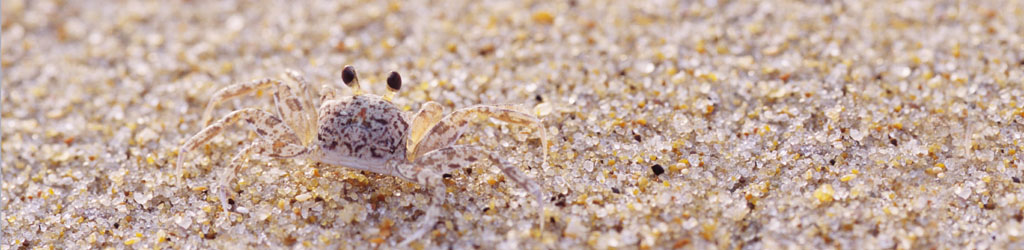
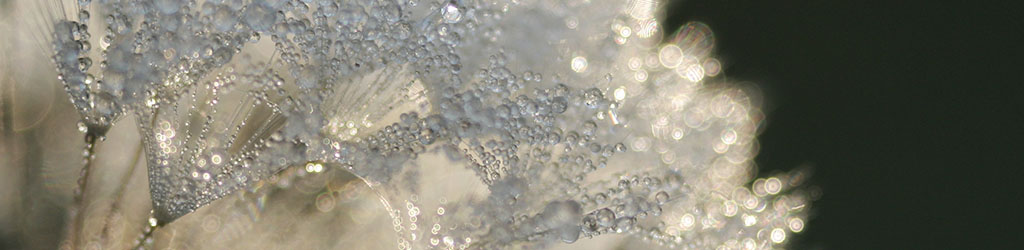
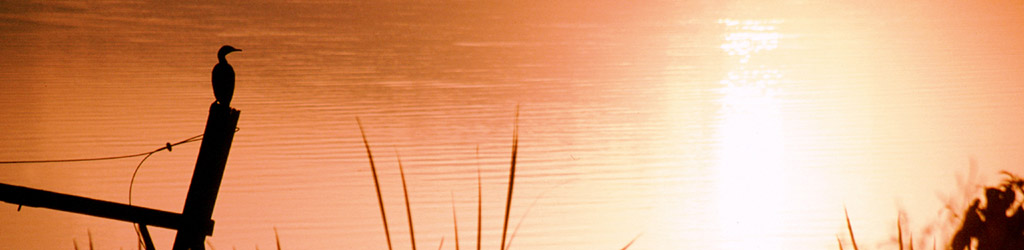
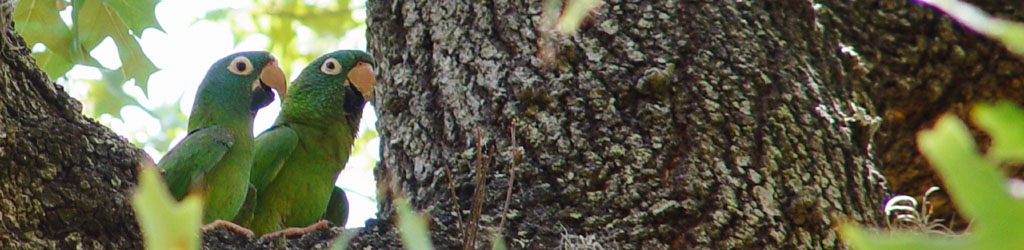
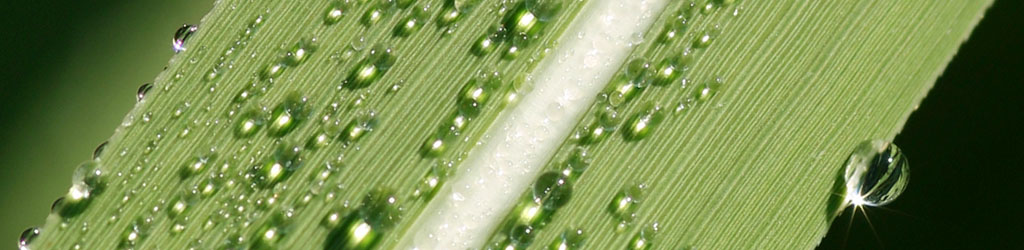
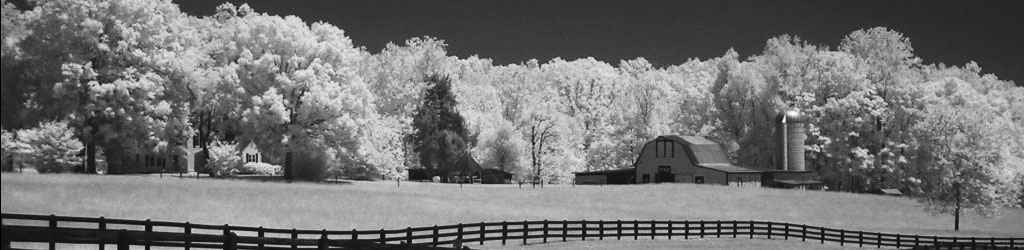
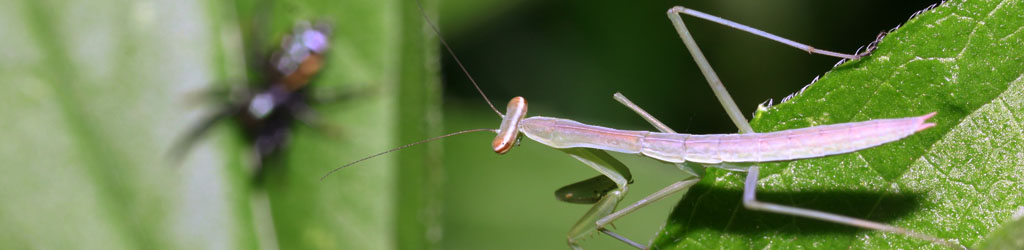
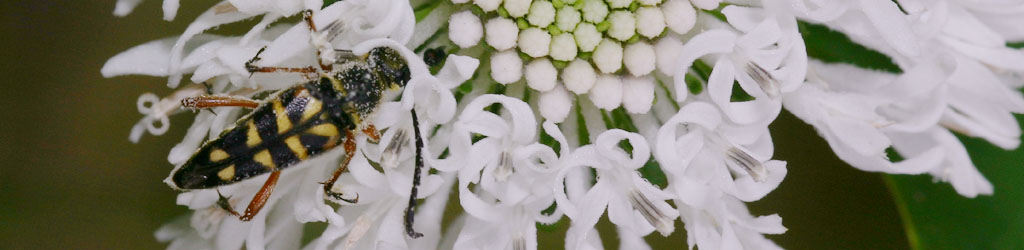
End usage dictates a lot of this, too. We might see the potential in shooting the image vertically, but then a desire for something horizontal pops up, or we need to fill a particular space, or a client wants a specific frame size. Weddings and portraiture especially have demands for 8×10 or 11×14 formats, neither of which fits the standard 2×3 (8×12, 11×16.5) ratio of the typical SLR frame, so we need to know how to accommodate these, without ever forgetting to leave enough space to crop down while we’re actually shooting the images. When a client wanted a selection of images in panoramic or banner form, something that I had rarely ever considered aiming for, I was forced to find out how many images that fit their other criteria could also be turned into panoramics. But it led to the banners at the top of the pages here now.
It’s well worth it to have decent photo editing software on your computer, and learn how to use it for the most common needs of course. Is it necessary to have the bestest and most elaborate package? Not ever, in my experience – I’ve used Adobe Photoshop right alongside lightweight and freeware packages like GIMP, as well as several ‘consumer’ programs, and presently use GIMP for all of my needs. Many packages are intended for graphics professionals doing elaborate creations, with only a fraction of their tools and filters aimed towards photography itself, so why pay for things you won’t use? Below I’ll break down different tiers of functions, for better than 90% of the edits you would perform.
But first off, Optimize your monitor. Making sure that your display is as accurate as possible will help you in editing, and really, if you’re doing anything with photography (or artwork, or design, blah blah,) you really should have this locked in. My old page on adjusting your monitor is here, but I fear that it is sadly outdated now; I would at least recommend finding both a ‘typical’ image with a great range of colors and light levels, and a good gamma image that gives step transitions between full white and full black – these allow you to know when your display is as good as it can get. Recheck this at least every six months, because monitor settings wander, and of course after any graphics hardware or software updates. Also, make sure that your viewing/editing position is as close to straight on to the monitor surface as possible, since most monitors present a color and gamma shift when viewed at an angle.
Some basic functions you should definitely have in your arsenal:
Cropping and Resizing. Already covered in detail, and really, any program can perform these more than adequately. The biggest difference that I’ve seen has been in upsampling, making an image larger than the original, and there are variations in the algorithms used for this. If you end up doing this a lot, it might be worth the search for software that produces the best results for you.
Color correction. Again, typically covered by most programs quite well, though using this effectively becomes almost an art form in itself. Many programs have a Curves function which allows you to strengthen or weaken colors within particular brightness ranges, which might seem confusing until you learn how it works. Briefly, I’ll point out that sunlight and shadows actually have different color registers, and you can mimic or reduce the effect of these as needed: for photos taken in bright sunlight, the shadows will lack some of the red and yellow color registers that are present in the highlights, so you may want to reduce this effect, or accentuate it, depending on the image and usage itself.
But there’s also the bare fact that most artificial light has a color cast to it that you may not desire, or you’re trying to improve skin tones, or you simply need more contrast or saturation. There is no way I could provide a decent guide to this, especially not in a single post, but I’ll offer two bits of advice. 1, Practice, a lot – it’s not a simple thing to learn. And 2, Make Subtle Changes, less than you think you might need, at least at first. We get used to seeing things and can keep pushing changes farther than they should go, thinking that it continues to improve; instead make smaller changes, then set aside the image and work on something else for a short while. When you come back, see if you still think it needs tweaking, and in what direction – initial impressions count for a lot here.
By the way, while many programs have something called Auto-Levels, not once have I ever seen it do a good job. It might help you visualize where a color shift is happening, but like most automatic tools, it’s not very good – you can easily do it by hand much better.
Cloning/Rubber Stamping/etc. I think every program calls it something different, but the gist is, copying a very small portion of the image over into a different area, mostly to cover up dust on the lens/sensor, dust or hairs on the scan, and the occasional trash that sneaks into a photo – I’ll do it for display prints with a bit of high-contrast schmutz that was present, like a yellow leaf that draws too much attention. Doing this well is harder than it might seem at first, because we tend to tune out the color and gradient shifts that occur across a surface or in the sky, and thus copying from the wrong area leaves an obvious bright or dark smudge, no better than the dust we were trying to eliminate. While it takes practice, it’s very handy, especially when dealing with old images or doing restorations.
Resolution Control. This is mostly for printing, since online usage should be solely by pixel dimensions, but printing requires a certain resolution – my general rule is 300 pixels per inch for the finished size. Having the ability to do this easily makes your work flow a lot faster, but it’s not that hard to do some simple calculations for end usage as well. Do not confuse the dots per inch (DPI) of most consumer printers with pixels per inch, since they are not interchangeable – DPI mostly relates to each color ink that gets laid down, and to make all the colors in a decent print from 3 to 8 ink colors, some layering and combining is required, so DPI will always be higher than PPI, which relates only to the fine details that we want to see.
Sharpening. There are a lot of filters/functions to accomplish this, and umpteen different ways to use them – doing some online searches and experiments will help. The most common one is the confusingly-named Unsharp Mask, which is sufficient for most uses, but the finer details can be tricky. My basic rule is, first get to your final resolution, whether it be for printing or web use, whatever. Then enlarge the image on your screen to 200% or better, and perform your sharpening tests there. If halos are forming around high contrast areas, you’re going too far and need to back off a little. Just remember that no digital tricks will correct bad photos – sharpening is for light enhancement only.
Dodging/Burning. This is a method of selectively lightening or darkening very specific portions of an image, usually in the shape and size of whatever ‘brush’ you like. Definitely handy to draw attention to, or away from, areas in the image that got too little or too much light, very easy to do with nature photography. But so you know, perhaps one out of every 35-50 images seen on these pages have been treated in this way – sharpening takes place only a little more often, about half of those just to compensate for reducing details in the web resolution version of an image.
Those are the basics, which I’d insist on having and knowing. Now a few advanced functions.
Layers and Masking. These are invaluable for compositing, retouching, laying in text, and so on. Doing work on a different layer can allow you to turn it on and off, or even make it semi-opaque, as needed. Masks are even better, because they allow you to do this selectively, in only small portions of the frame, and can alter it repeatedly. Very slick.
Paths and Stroking. Essentially, a method of doing precise work, such as painting a straight line or specific curve, without trying to do this with a mouse or touchpad. I do this very infrequently and keep forgetting the steps, but in certain specific cases it’s a huge help.
By the way, graphics professionals and artists swear by drawing tablets, but all will admit they’re a tough thing to get used to initially. I don’t do it enough, or elaborately enough, to merit both the expense and the space needed, but I’ve tried them in the past – I can see the benefits, and also agree with the learning curve. If you’re just doing photographs, you likely won’t see the benefit, but if you’re doing anything freehand like painting or drawing or even selective dodging/burning, you might get a lot more use from one.
High Dynamic Range, or HDR. A method of combining two or more images that have exposures in the range that you prefer. Often enough in photography, we can expose for the highlights, like the sky color, but in doing so lose the shadow details, because photos just don’t capture the range that we can see with our eyes. So HDR takes an exposure for the highlights, and another for the shadows (and so on,) and combines the best bits of each. This used to be done by hand with those layer masks, but now some programs do it automatically. I personally consider it cheating, and it very often looks fake to anyone familiar with how light works – useful, perhaps, in advertising, but mostly what is shows is the inability to use light properly or seek the correct conditions. You do you, however.
This is actually a two-frame stack; one had the eye sharp, and the other had the nose sharpImage Stacking. Very similar to the above, but used more often in macro and astrophotography. In macro work, depth-of-field drops very short, just a trait of high magnification, so multiple images are taken, all with focus shifted just a little farther away, so one image has the eyes sharp, another the ‘shoulders,’ another the ‘waist,’ and so on, and the sharp portions of each are used to make a single image that appears to have much higher depth-of-field. For astrophotography, it enhances very faint objects while ignoring the dark sky, and is considered a standard tool anymore. I’ve done a very limited number of the former, and none of the latter – I still consider it cheating, but for illustration purposes it can be handy, with full disclosure of course. It’s making composite images, pure and simple, and while it does not introduce something that wasn’t actually there, it’s more a computer function than photography, and drastically misleading to anyone attempting such images on their own.
I guess my basic rule is, if there’s a specific illustrative or informative goal, then fine, go for it. But if you’re intending to do ‘art’ or showing off your skills, well, you’re not, are you? You’re just showing off the software that you use. Learning to do it without digital tricks is much more skillful.
Other creative/artistic filters and effects. By these I mean the pre-packaged effects like Mosaic and Canvas and so on. On rare occasions, using one of these in a limited manner might help you create a vision, but realize that everyone familiar with the same program will probably recognize the effect instantly, and will know that all you did was click an option – this includes 90% of art directors and contest judges. If you’re trying to do something unique and talented, that takes some effort. Use the computer to help you, but don’t count on it to do anything.
That’s all I can think of right now, but it’s probably enough.
After the rousing success of a week previously, I went down to Jordan Lake to see if I could accomplish more of the same, and test out another slight change to my shooting habits. But for reasons unknown, activity among any of the bird species was supremely lacking; two osprey (Pandion haliaetus) performed lazy and distant passes over the lake but neglected to dive for anything, and an even-more-distant eagle cruised straight through without even a faint bank to add better framing opportunities. Last week I was sure that the young had hatched; this week that surety has faltered quite a bit. Nothing seemed significantly different, but the behavior of the birds certainly was.
One thing missing last week was activity in the one osprey nest nearby that I’ve been keeping an eye on, and I was suspicious that it was unoccupied, despite earlier indications. No one could be seen in the vicinity, and no one brought fish by. This week, however, I heard osprey calls from that general direction while no one was visible, and I fired off a few frames for closer examination.
I could see nothing in the viewfinder, which was considerably more distant than this crop, and no protective male seemed to be in evidence, but someone was calling; the screening pine needles don’t help anything. Eventually, I gave up on the location and decided to try another, see if there was more activity there and if perhaps the woodpeckers were nesting. On the way out, however, I took a small side hike to the spot where the nest could be seen from underneath. That was a bit more productive.
She was still calling, which at this distance was almost enough to confirm the direction (it still could have been in a nearby tree,) and favored me with some eye contact as I fired off a few frames, though she also looked around a bit too. No other bird was in evidence, so I don’t get the impression this was territorial calling – perhaps she was reminding hubby that it was time to eat. But I also know that the osprey are acutely aware of me when I’m at this vantage, so I only do brief checks.
At another one of my regular haunts, a black vulture (Coragyps atratus) was sunning itself atop a light pole, self-consciously closing its wings as I drew within view. Not quite spooked enough to take flight, it was certainly wary of my presence.
Because birds have a very wide field of view, I rarely get such dead-on (sorry) perspectives; they can often be looking right at the camera while still providing a profile view, and it’s just our eyes-front bias that makes us believe only now is this one making eye contact. But I heard you asking for a detailed vulture head shot, and I obliged.
Really, there was very little activity anywhere, including the woodpeckers – not a sign or a sound from any. I soon gave up on the day, but not before finding a Carolina wren (Thryothorus ludovicianus) checking out an inviting hollow tree.
I have over a dozen frames as this one called and twitched about as they do, but it was the straight-on views of the other birds that made me check carefully to see if I had one for this guy too; at least I got that out of the day.
Don’t try and tell me any other words for it – these are all strictly pink.
It’s overcast and rainy today, only not rainy in any sense that you’re imagining which involves water falling from the sky, but rather this delicate, namby-pamby kind of thing where the water trickles between the air molecules rather than pushing them out of the way, proving that you really would get wetter if you ran rather than walked, except “wet” is solely in comparison to “bone dry.” Which is funny, because the rain gods of North Carolina have a tendency to smite the unbelievers with deluges so fierce that you’re wondering if the roof will hold up under the weight of the water before it makes it to the edges. But anyway, this is not that, and I was wandering around looking for targets of opportunity before even this pissant excuse for the weather cycle got fully started. What I got was pink.
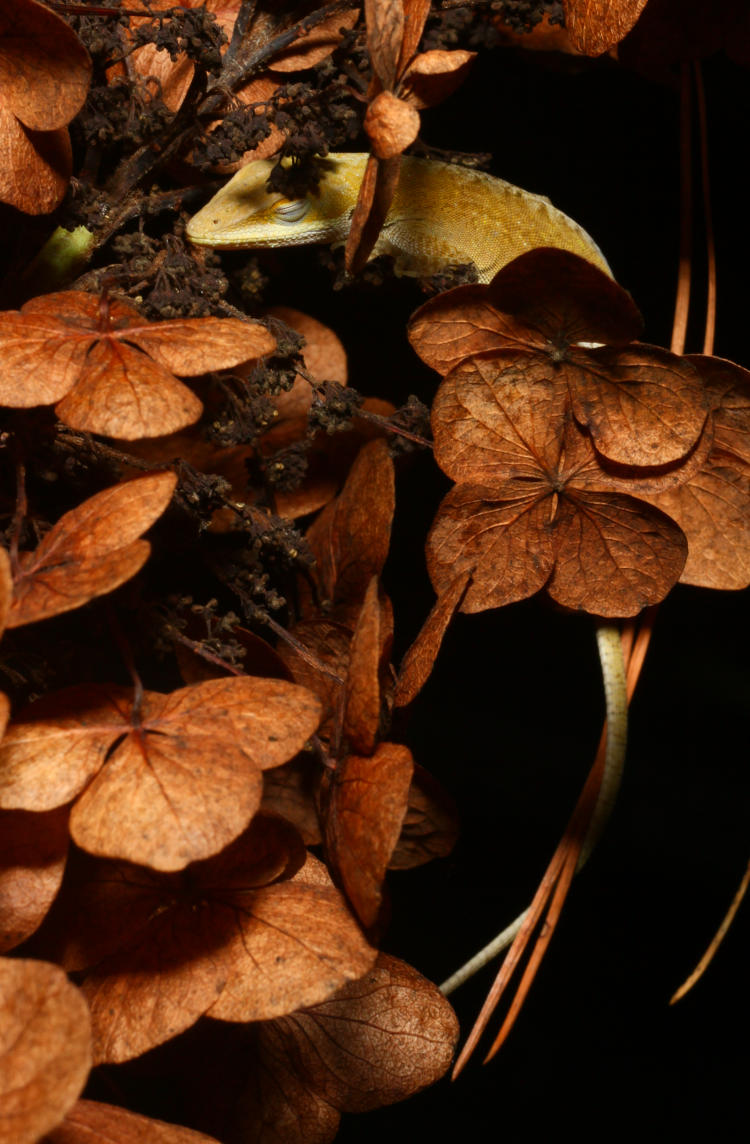
The oak-leaf hydrangea (Hydrangea quercifolia) this year have gone notably pinkish from their typical off-white, which I believe indicates that the soil is a bit alkaline, or at least it does for some species anyway. This particular cluster of blossoms was chosen in part for their color, and in part for their guardian – had you spotted it initially? I know I was scoping out the plant for a few moments before I saw the watcher.
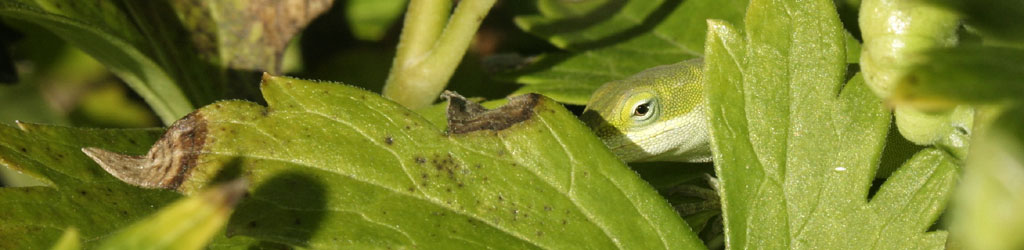
From my angle, this guy hadn’t wrecked his camouflage, though from above it was a lot more conspicuous, but since this was not quite at eye-level, only professional basketballs players would get that perspective and they tend not to prefer anoles in their diets, so this guy knew what it was doing.
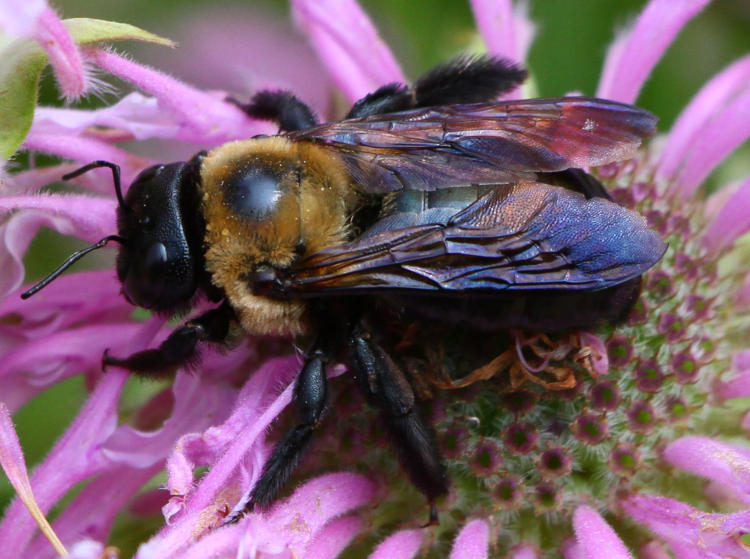
The Girlfriend had purchased this ‘Pink Panther’ variety of foxglove (Digitalis x ‘Pink Panther’) because of the exuberant attention it was receiving from the carpenter bees, and they didn’t take long to discover it in its new location – and then again, once I moved it to the back yard to keep it from the attention of the local deer. Soon after I moved it, actually, I was standing almost where it had been and had a confused carpenter bee circle the vicinity, obviously questioning its recall. A little brighter light would have been better, but this is what we have today, so we’ll cope.
Meanwhile, the two potted hydrangeas are also showing brilliant ‘just pink’ this year.
I’m not exactly sure of the variety of this one, and considering our experience with poor labeling I wouldn’t trust the info even if they were labeled, but the blue central flowers among the brilliant just pink petals stands out on close inspection. Another one nearby has paler just pink petals with a white central flower, however, so perhaps you can discern the varieties from that. Me, I just photographs ’em. You can see that a random rain drizzle had found one of the blossoms by that time, with enough velocity to splash even.
That’s all for now, though some sorting finds will be along shortly.
The precision of this one is up for grabs, but also not really necessary. The beaches of Sanibel Island are particularly known as some of the best ‘shelling’ beaches of the US, likely because of the particular geography of the island as well as the biology/ecology off the coast there. But exact locations likely shift a bit, and most certainly have since this was taken in 2009. The pile itself, which The Girlfriend and I sifted through for a short while, was a few meters wide and eight to ten long, give or take – I didn’t make any measurements while there, so I’m going on memory. It’s the only place that we’ve found sea urchin shells, as well as a collection of their needles. I needed a nice low-angle frame and sought out that particular red-and-white shell in the foreground as a point of focus. If you want to see what happened only a moment later, go here and hover over the image – does that works on smutphones? I just checked: apparently it does if you touch the image, and realize that this is me bending over backwards because I consider smutphones a goddamned stupid way of web surfing…
As I type this, I’m curious how much, or little, Hurricane Ian changed things last year. Sanibel and Fort Myers (the nearest mainland city) were slammed pretty hard, and there may have been some changes to the offshore conditions that contributed. I’ll be happy to check it out and report my findings – backed with a few funding contributions, naturally, but you know it’s a sound investment.